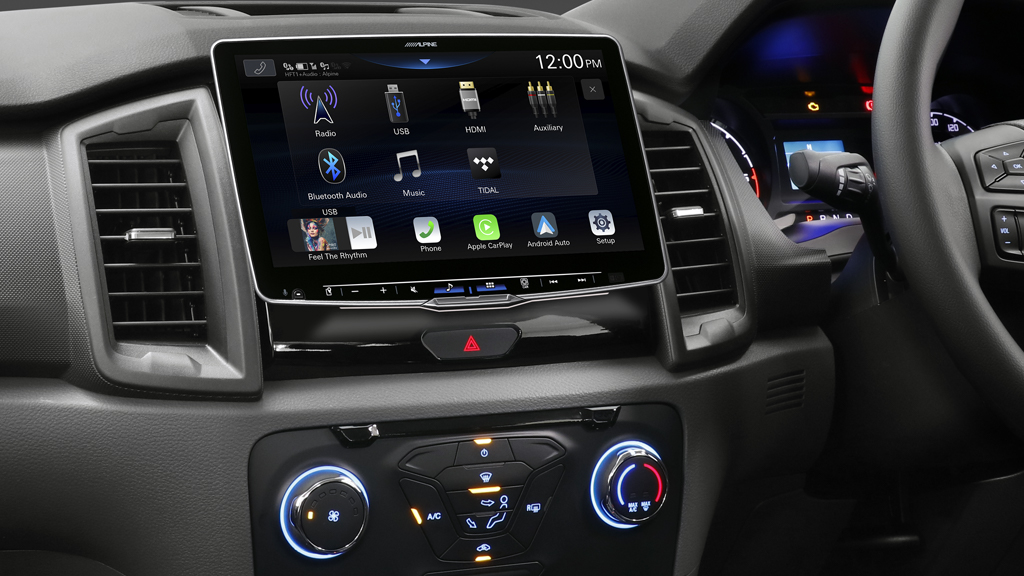
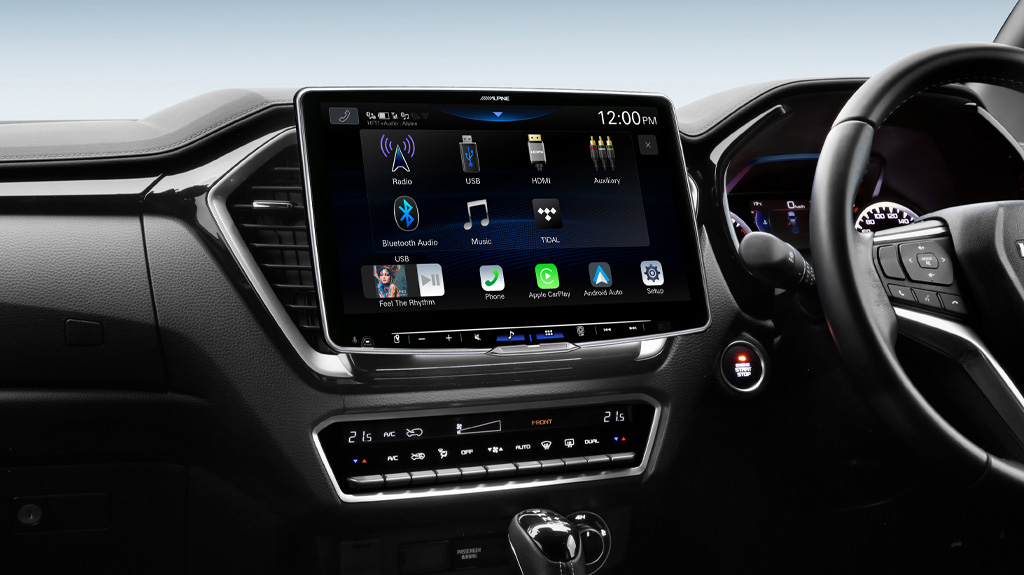
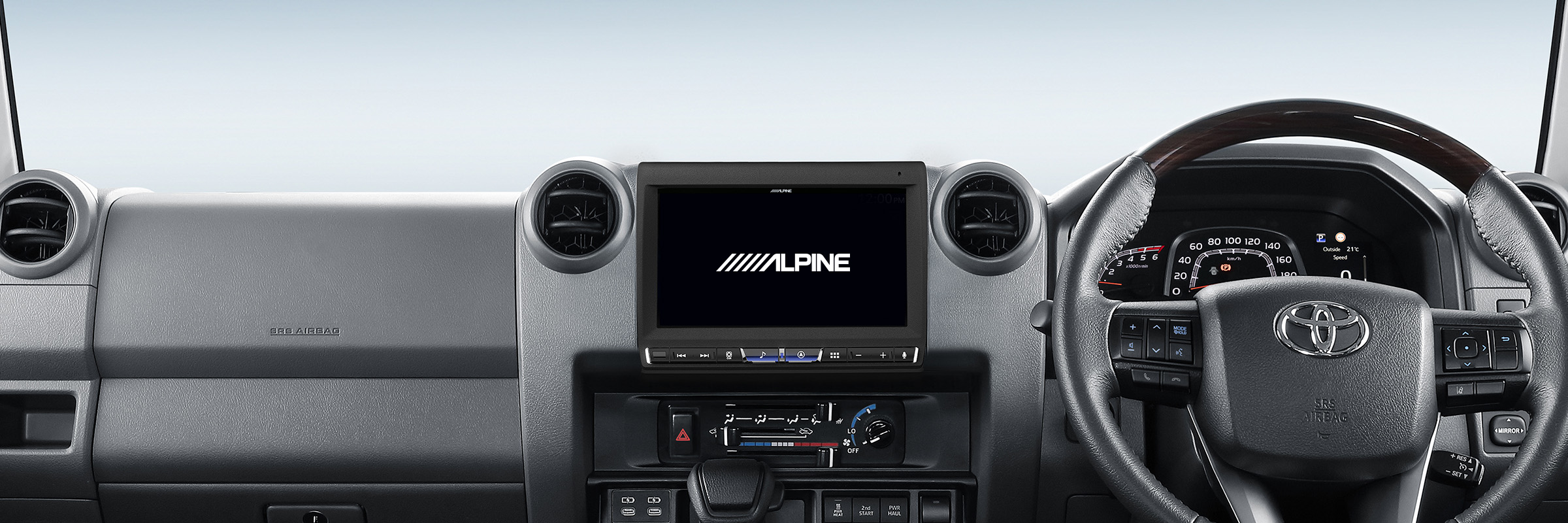
Create your own start-up screen
Click on the link below and easily create your own start-up screen for your iLX-F511A, iLX-F509A, iLX-507A or i905 Models (Maestro & Non-Maestro). All you need is the image you want to use and a USB stick formatted to FAT32.
Download The Instructions Here:
In case you are not satisfied with your self-generated file – please use the original Alpine Opening Screen file and go to step 7 of the user guide.
Compatible Models: iLX-F511A, iLX-F509A, iLX-507A and i905 Models.
*Models not specified above are not compatible.