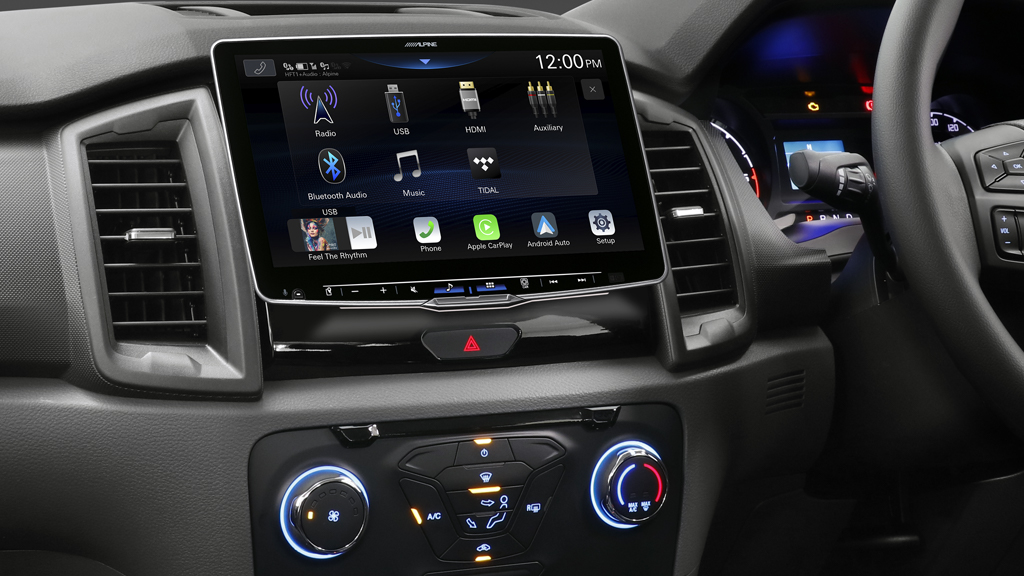
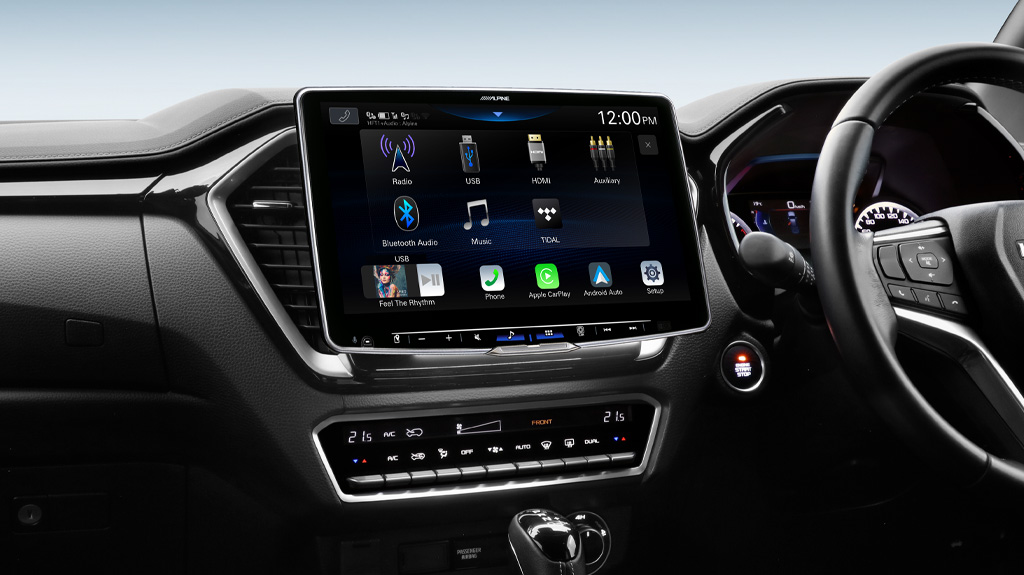
INE-AX809 Update Instructions
Please find the instructions below to update your INE-AX809 (Suitable for 9 & 10 Inch models). During the update process, do not interrupt the power supply to the unit.
Note: This update is not suitable for units with Hema Maps.
Requirements and Limitations:
* Windows XP (SP 2) / Windows Vista (32-bit) / Windows 7 (32-bit or 64-bit) / Windows 8 / Windows 10. Apple Mac is not supported
* USB Stick with 8 GB or more capacity recommended, FAT32 formatted.
1. Download the software update file
Download the INE-AX809 latest software update here.
2. Extract the files to a USB Flash Drive
Extract the files to the root directory of your USB Flash Drive. See the example below – the files should not be within another folder:
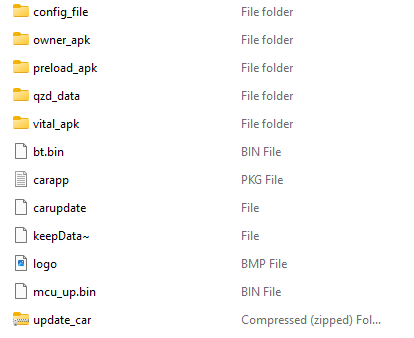
3. Insert The USB Drive Into The Unit
Insert the USB drive into the USB lead supplied with your INE-AX809. Once the update is recognised, you will be asked to proceed with the update. Press OK.
4. When Prompted, Remove the USB Flash Drive
Once the update has been applied successfully, you will be prompted to remove the update device (USB Flash Drive.)
The update is now complete.